


Brilliant optical character recognition software
To obtain digital copies of written or printed documents it is rather common to use the device known as a scanner, especially in office environments and for people that have to convert many documents to digital format. But there are other methods to complete the process without having to type the document anew, like taking a digital photograph or faxing the document to an email address. The general problem in all these cases is that since the resulting file is an image, it's impossible to modify the documents with a text editor. You have to download an application like ABBYY FineReader to obtain editable files.
Advanced character recognition software
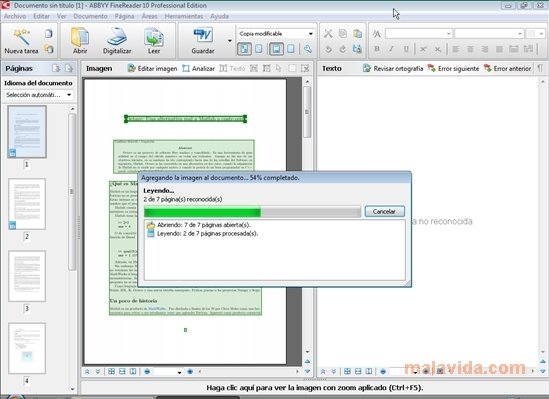
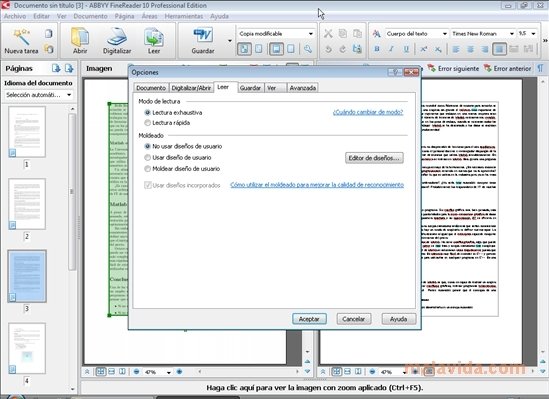
If we want to modify the text or data that any of these documents contain, it will be necessary to resort to specialized software like this one. It's an advanced OCR (Optical Character Recognition) application, that allows you to recognize the text and images contained in any image, PDF document or document that we scan directly.
Some of the features of ABBYY FineReader are:
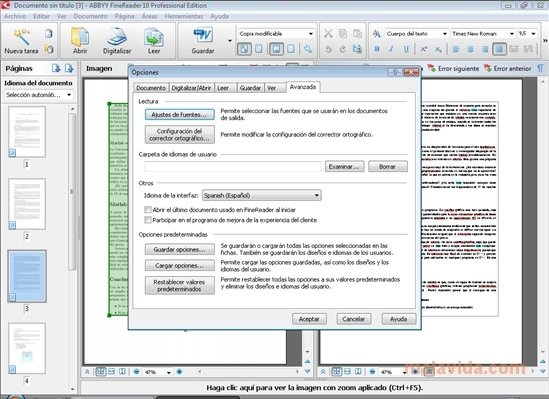
- Optical character recognition in many languages: English, Spanish, German, French, Portuguese, Finnish, Czech, Hungarian, Russian... and the majority of Oriental languages (Chinese, Japanese, Korean, etc.).
- Automatically detects a document's language.
- Valid for artificial languages (Esperanto, Ido,...), programming languages (BASIC, C++, Java, COBOL, etc...) and simple chemical formulas.
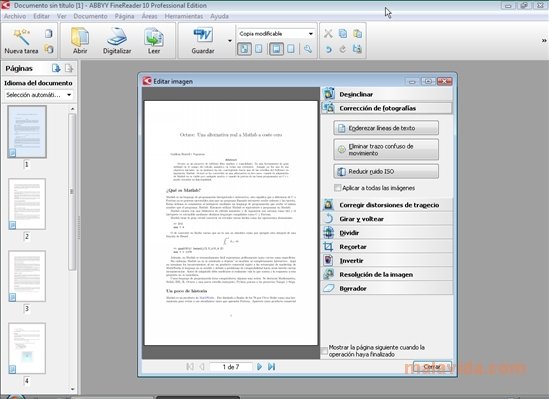
- Automatically corrects image distortion and other faults.
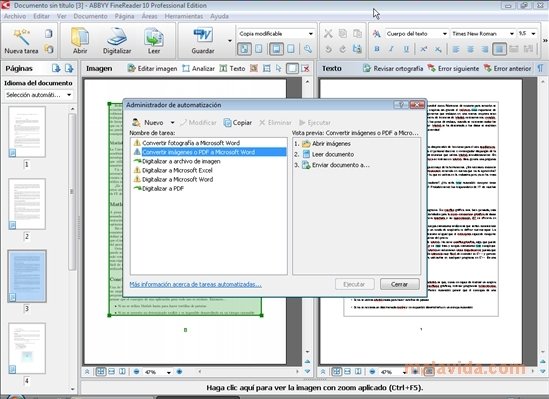
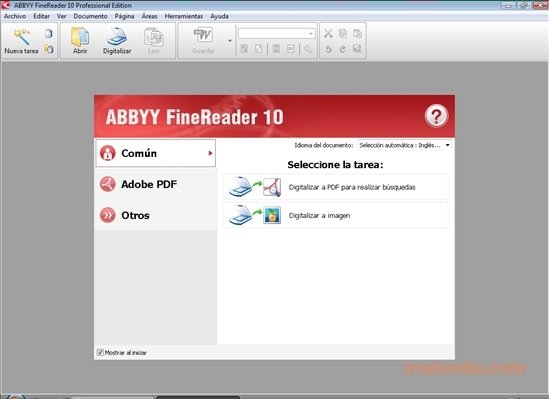
- Includes shortcuts to the most usual options: convert an image or PDF to Microsoft Word, digitize a PDF, Excel, Word, etc.
- Integration with the Windows Explorer and with various components of the Microsoft office suite (Word, Excel and Outlook).
- Use of ADRT technology, specifically designed by ABBYY.
Requirements and additional information:
- The trial period lasts for 30 days and has certain limitations.
 Elies Guzmán
With a degree in History, and later, in Documentation, I have over a decade of experience testing and writing about apps: reviews, guides, articles, news, tricks, and more. They have been countless, especially on Android, an operating system...

Antony Peel